Save and Open a Dataset
To save a Dataset (as),
- click
File>Save Dataset (As).

A new browse window will open for you to specify the location and filename to save the Dataset to. Click ‘Save’ to save, or ‘Cancel’ to abort.
Note
If the filename and filepath is specified in Dataset and the user clicks File > Save Dataset, the Dataset is immediately saved without prompt.
To open an existing Dataset,
- click
File>Open Dataset.
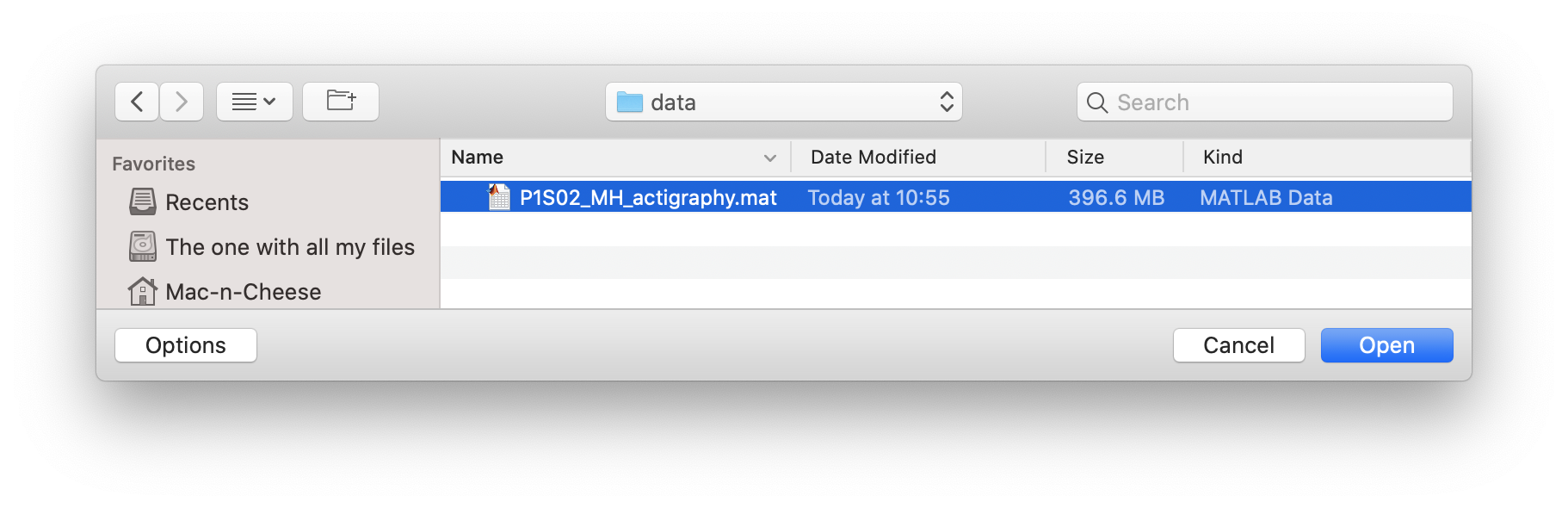
A new browse window will open for you to select the .mat file to open. Navigate to your Dataset file, select it, and click ‘Open’. Click ‘Cancel’ to abort.