Annotate Light
As opposed to Annotation of Acceleration Metrics, Cicada uses a most simplistic thresholding method for Annotating Light Metrics. Each and every epoch is checked between 2 thresholds, if it is lower than 100 lux, it is labeled as dim, if it is between 100 and 1000 lux, is it labeled as moderate, and if it is greater than or equal to 1000 lux, it is labeled bright.
To Annotate Light Metrics,
click
Analyse>Annotate Epochs>Annotate Light.
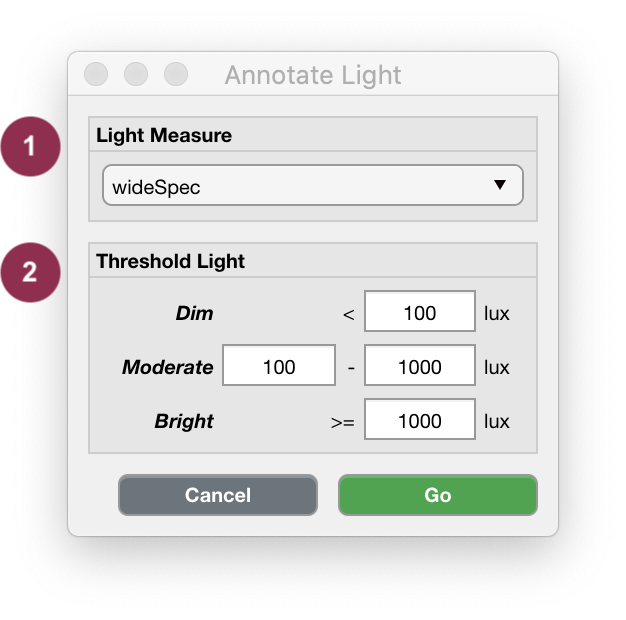
Light Annotation.
Select which Light Metric you want to use to Annotate the Epochs.
‘Low’, ‘Moderate’ and ‘Bright’ light exposure levels are defined by these default thresholds.
Note
Reference: Dautovich, Natalie D., et al. “A systematic review of the amount and timing of light in association with objective and subjective sleep outcomes in community-dwelling adults.” Sleep health 5.1 (2019): 31-48.